
Turbo Soccer Controls
WASD and mouse, on-screen mobile, and controller layouts that keep the ball readable.
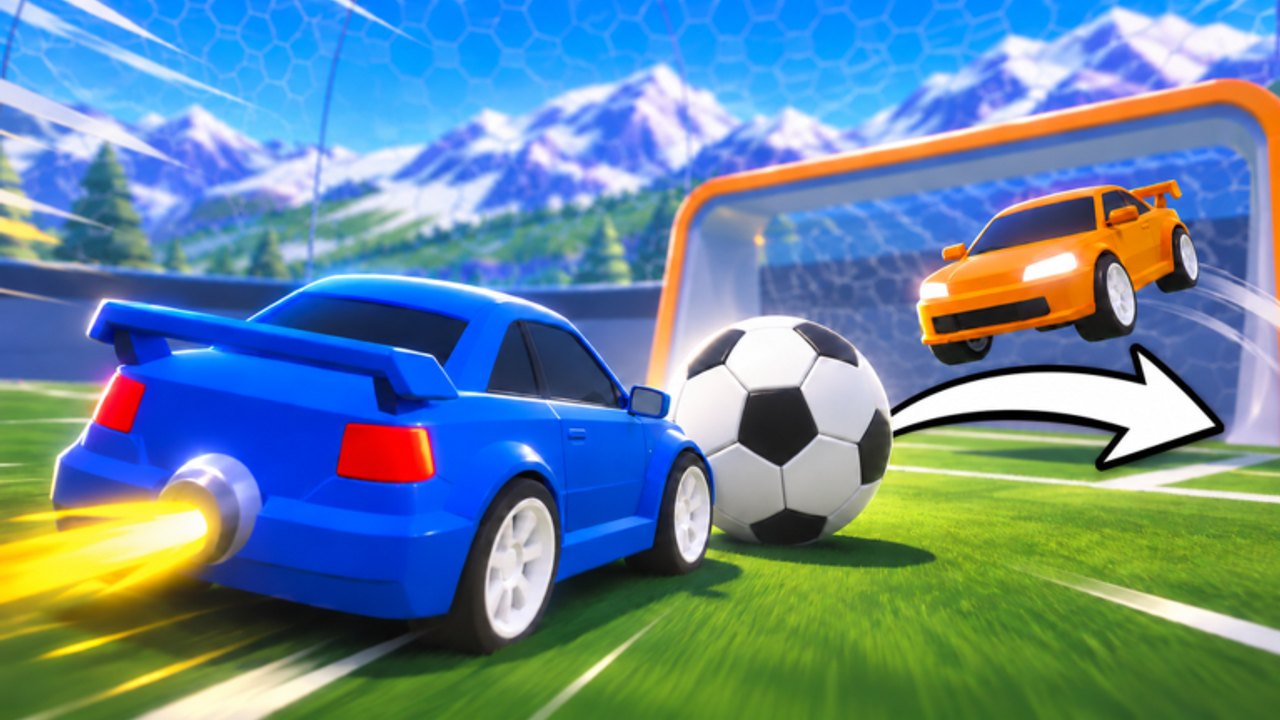
The official Turbo Soccer description lists three inputs: PC: WASD + Mouse, Mobile: on-screen controls, Console: compatible controller. That sentence is true and incomplete. Boost, jump, float, directional flips, air roll, powerslide, and Ball Cam all share those devices, and the default camera fights you until you change it. This page is the bind table plus the practice cues that make the binds stick.
If you have not finished the tutorial, do that from getting started first. Then open Settings → Controls in the lobby and confirm the active row matches the tables below. Patches can rename a label; trust the in-game list if it disagrees with a wiki paragraph.
PC keyboard and mouse
| Action | Default input | What it does |
|---|---|---|
| Drive forward | W | Throttle |
| Reverse / brake | S | Slow or reverse |
| Steer | A / D | Turn |
| Boost | Left mouse (hold) | Burn the boost meter for speed |
| Jump | Right mouse (click) | Pop off the turf |
| Float | Right mouse (hold) | Hover just above the ground |
| Directional flip | Direction + right mouse while airborne | Front, back, or side flip |
| Air roll | Q / E | Roll left / right in the air |
| Powerslide | Shift + steer | Tight turn or drift |
| Ball Cam | Space | Camera looks at the ball |
| Horn | Usually a spare key in Settings | Noise only |
Boost is a hold, not a tap. New players mash left mouse and arrive at the ball with an empty tank. Short pulses line up a shot; a full hold is for recovering from your own net or chasing a clear.
Jump is a click. Hold right mouse after the click to float — useful for a high bounce or a shot aimed at the upper crossbar. While airborne, hold W, S, A, or D and click right mouse again to flip in that direction. That chain is the entire PC aerial; the aerials and boost page turns it into a drill.
Camera settings that matter more than binds
Open Settings and set the camera preset to Competitive or Far. Default sits on the bumper and hides the far post. Enable Ball Cam (Space). Use free cam only when you are the last defender facing your own net and need to see a demo coming from the side.
If the ball constantly leaves the frame, raise FOV slightly and lower camera stiffness until the ball stays centered during a simple drive around the pitch. Do not max sensitivity on day one; you will over-steer kickoffs.
Controller
Compatible controllers work on PC and console. A common layout that mirrors other car-soccer games:
| Action | Typical bind |
|---|---|
| Drive | RT |
| Reverse | LT |
| Steer | Left stick |
| Jump | A |
| Boost | B |
| Powerslide | RB |
| Air roll | LB or LT |
| Ball Cam | Y |
| Look | Right stick |
Calibrate dead zones in the same Settings tab. A stick that drifts will float your car off kickoff. If jump and boost are on adjacent face buttons and you keep double-inputting, swap boost to a bumper.
Mobile
Mobile uses on-screen sticks and buttons. Put steer where your left thumb rests, boost where you can tap without lifting that thumb, and jump on a separate cluster so boost and jump never share a tap. Enable Ball Cam and leave it on for kickoffs. Brake with intent; spinning in circles on a tiny stick is how own-goals happen.
Play a few Free Play minutes after any HUD move. Muscle memory from PC does not transfer. If aerials feel impossible on a phone, stay on the ground and win with the how to score shots until your thumbs calm down.
Practice block for new binds
Use Free Play:
- Figure-eights, no boost, 90 seconds.
- Boost pulses to a ball, stop, reverse, repeat.
- Jump, land on four wheels, repeat ten times.
- Jump, hold float, release, land facing your net.
- Front flip, back flip, left flip, right flip — two of each.
- Toggle Ball Cam every 30 seconds so you can find the ball when it is behind you.
Then take the same block into Casual. If a bind still feels wrong, change one thing, not five. After the car behaves, pick a hitbox you like from the cars ranking — a long body amplifies a bad steer, a compact body hides it.
Related pages
Scoring after you can drive: how to score. Air game: aerials and boost. First ranked habits: ranked climb. If you play in a party, agree on who is first man using play with friends.
Frequently Asked Questions
Quick answers to the most common Turbo Soccer questions.
What are the default Turbo Soccer PC controls?
WASD to drive, left mouse to boost, right mouse to jump and flip, Q/E to air roll, Shift to powerslide, Space for Ball Cam. Confirm in Settings → Controls.
How do I flip in the air?
Jump with right mouse, then hold a direction and press right mouse again while airborne. Full chain on aerials and boost.
Which camera preset should I use?
Competitive or Far. Keep Ball Cam on for kickoffs and most challenges.
Can I use a controller on PC?
Yes. The game lists a compatible controller. Calibrate dead zones before ranked.