
Turbo Soccer Guides
From the tutorial to Super Sonic Legends — pick the skill you need this session.
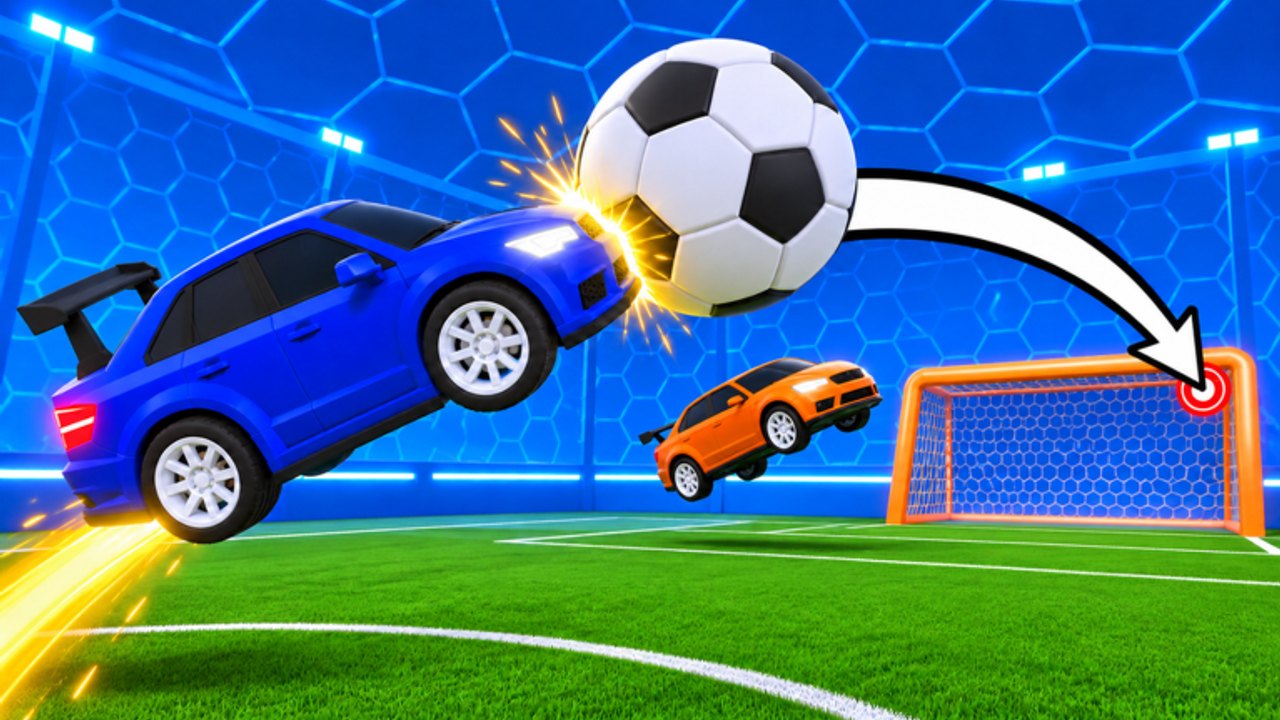
Turbo Soccer looks simple from the Roblox page: WASD, a mouse, a giant ball, a net. The first ranked game teaches you that boost management, kickoff roles, and camera choice decide the score long before a flashy aerial does. This hub is the map of every how-to we keep for Season 1.
If you just installed the game, open getting started and stay in Casual or Free Play until you can hit a rolling ball without flying past it. If you already know Rocket League muscle memory, skip to controls to remap Ball Cam and camera distance, then use how to score and aerials and boost as the Roblox-specific timing notes. When you are ready to risk MMR, read ranked climb. Parties belong on play with friends.
What each guide is for
| Guide | Use it when |
|---|---|
| Getting started | First launch, free Legendary pack, first Casual match |
| Controls | PC binds, mobile thumbs, controller, camera presets |
| How to score | Ground shots, flicks, kickoffs, open nets |
| Aerials and boost | Jump, float, directional flips, pad routes |
| Ranked climb | Rotations, ranks, tilt rules |
| Play with friends | Private matches, parties, 2v2 / 3v3 |
| Kickoffs | First touch, 1v1 delay, 2v2 / 3v3 roles |
| Minigames | Rings, Targets, Goal Towers warm-ups |
| Arenas and maps | Indoor, wall, mountain, seaside layouts |
Every page links to the others in the same cluster so you do not have to return here to keep reading. Codes, cars, and patches live outside this hub on purpose: claim codes first, pick a body from the cars ranking, and check Season 1 after a patch so a guide does not fight a changed timer.
A session that actually improves you
A useful hour in Turbo Soccer is not twenty ranked games in a row. Use this loop:
- Redeem anything new on the codes hub.
- Open packs in the garage and equip one car.
- Five minutes of Free Play: kickoffs and ground shots from how to score.
- Five minutes of Rings or Targets if aerials feel late — see minigames and aerials and boost.
- Queue Casual 1v1 or 2v2, then one ranked playlist only, using the ranked first-man / second-man rules.
- Stop after a double commit or two own-goals. Watch one replay, then leave.
That loop beats grinding while tilted. Minigames exist to isolate one mechanic; ranked exists to test whether you still do that mechanic when someone demos you.
Platform notes
The official description lists three inputs: PC uses WASD and mouse, mobile uses on-screen sticks, console uses a compatible controller. Aerials are easier on mouse because jump and boost sit on separate buttons. Mobile players should move jump away from boost so a thumb does not fire both. Details and a practice table sit in the controls guide.
Server size is 30 on the live Roblox listing, but match playlists are 1v1, 2v2, and 3v3. The extra slots are lobby, spectators, or other activities — do not expect a 15v15 soccer match.
After the guides
When the mechanical pages feel familiar, switch to loadout and meta reading. The tier list hub explains why hitbox length changes kickoffs. Packs and shop tells you which Robux prices duplicate free code packs. Updates tracks Season 1. If you use client scripts, read scripts and the safety notes there before you paste anything.
This wiki is unofficial. When a patch moves a bind or a rank name, trust the in-game Settings tab and the Discord announcements over any stale paragraph here.
Frequently Asked Questions
Quick answers to the most common Turbo Soccer questions.
Which Turbo Soccer guide should I read first?
New players: getting started. Returning Rocket League players: controls then ranked.
Do I need a specific car before following these guides?
No. The starter body is enough. Switch later using the cars ranking after you can hit ground shots.
Are the guides for Season 1?
Yes. Mechanics match the live Roblox listing updated in November 2026. Check Season 1 notes after patches.
Where are codes and scripts?
Codes live on the codes hub. Scripts live on the scripts hub. This hub is how-to play.